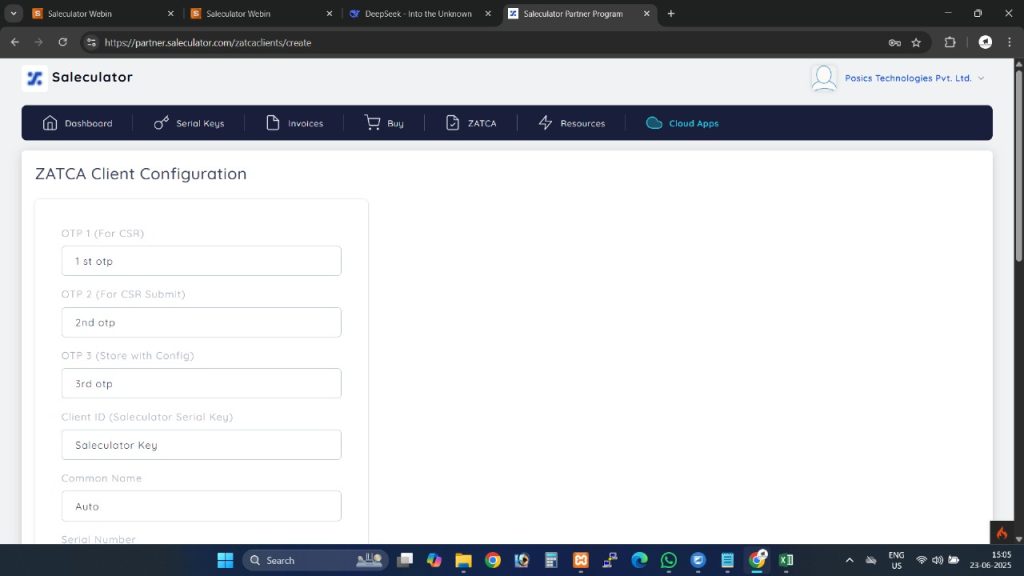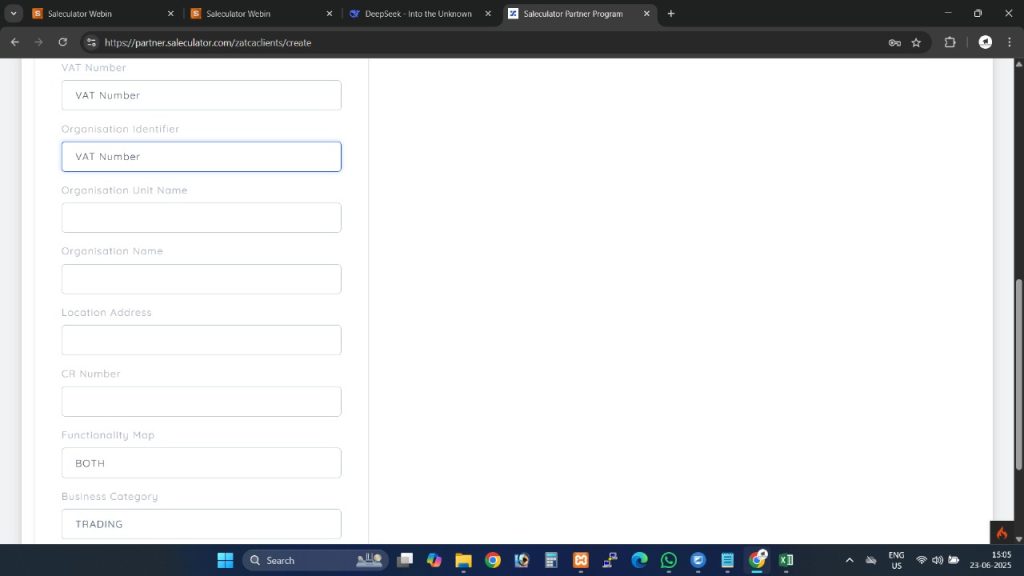
Steps to Onboard a New Client on Saleculator Partner Portal:
Step 1:
Go to https://partner.saleculator.com/
Step 2:
Login using your Partner Account Username and Password
Step 3:
In the menu, click on ZATCA
Step 4:
Click on Manage Clients
Step 5:
Click on Onboard New Client
Step 6:
Fill in the client onboarding form with the required details and submit